
DoseMate guides
Step-by-step guides for reminders, alarms, courses, reports, sharing and more.
10 guides · Updated November 17, 2026
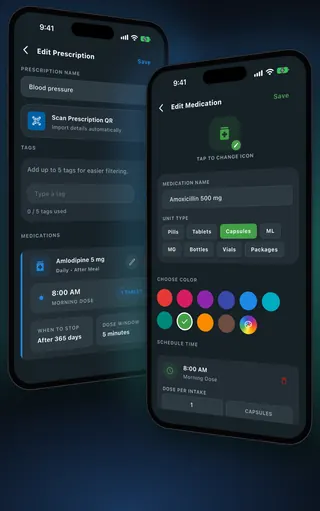 Add PrescriptionSet up medication remindersSet up medication reminders on iPhone: add a prescription, its times, dose and meal timing, choose how often and when to stop, then log each dose in one tap.Updated November 17, 2026
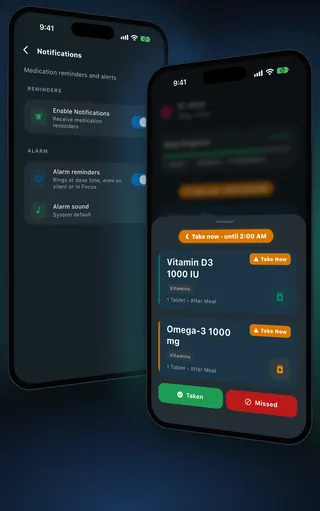 Alarm remindersMedication alarm on silentMake medication reminders ring like an alarm on iPhone, even on silent or in Focus. Turn on alarm reminders in DoseMate Pro on iOS 26 and choose the sound.Updated November 17, 2026
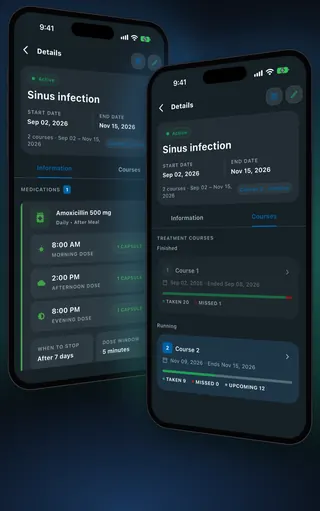 CoursesTrack an antibiotic courseTrack an antibiotic or any treatment course on iPhone: set when it stops, see running and finished courses, start the next one and compare how each course went.Updated November 17, 2026
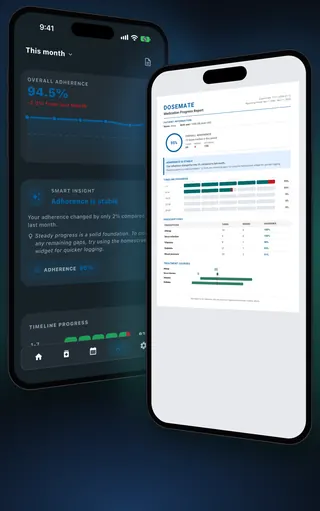 Export PDFMedication log PDF for your doctorExport your medication log as a PDF adherence report on iPhone: pick the period and send it to your doctor from the share sheet. Free after a short ad.Updated November 17, 2026
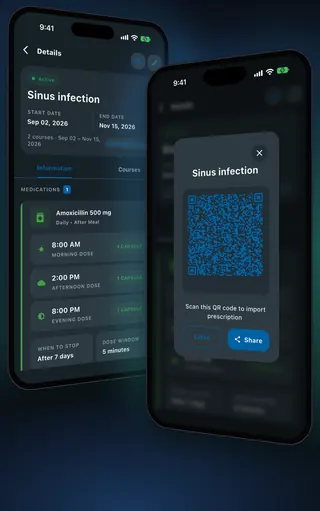 ShareShare a medication scheduleShare a medication schedule with family or a caregiver: show a QR code or send a link, and they add the prescription to DoseMate on their own iPhone. Free.Updated November 17, 2026
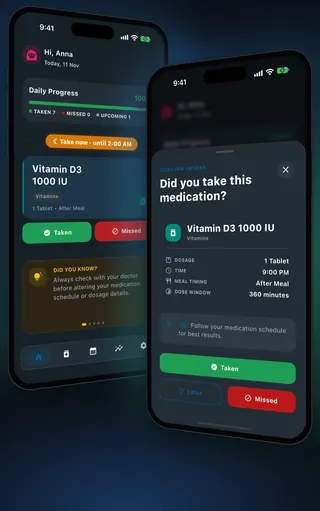 Apple WatchReminders on Apple WatchGet pill reminders on your Apple Watch: sync DoseMate from your iPhone, see your next dose and today's progress, and log doses from your wrist with Pro.Updated November 17, 2026
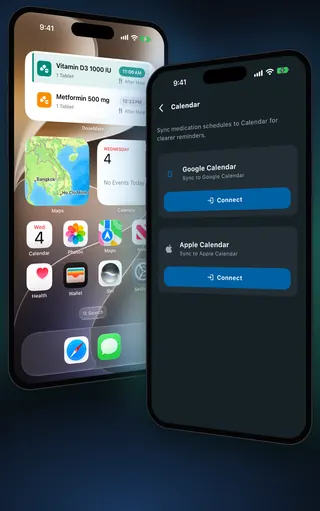 Dose ScheduleAdd the medication widgetAdd the DoseMate pill reminder widget to your iPhone Home Screen and see your next dose and today's remaining medicines without opening the app. It's free.Updated November 17, 2026
- CalendarSync doses to your calendarPut your medication schedule in Google Calendar or Apple Calendar on iPhone: connect a calendar in DoseMate Pro, sync your doses, and remove them anytime.Updated November 17, 2026
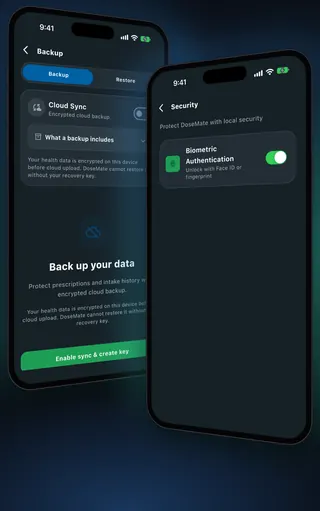 BackupBack up and restore your dataBack up your medicines and dose history with DoseMate's encrypted backup, keep your recovery key safe, and restore everything on a new iPhone in a few taps.Updated November 17, 2026
- SecurityLock DoseMate with Face IDLock DoseMate with Face ID or Touch ID so only you can open your medicines and dose history, and hide medicine names in notifications on the Lock Screen.Updated November 17, 2026